Beta distribution, simplified

Ship APKs to your
testers instantly

Upload APKs, invite testers, and distribute builds to your team instantly — no Play Store review, no waiting.

terminal
$ appflight upload --flavor stage
Reading appflight.json...
APK: app-stage-release.apk (24.1 MB)
Version: 1.4.2+89
Uploading [████████████████████] 100%
Upload complete
Testers notified — 12 members

Everything you need to ship faster

Built for Android developers who don't want to deal with Play Store review cycles during development.

APK Distribution

Upload APKs directly and share them with your testers instantly. No Play Store, no waiting, no rejections.

Push Notifications

Testers get notified automatically the moment a new build is uploaded. No manual sharing or links needed.

Team Management

Invite testers, assign roles, and manage access per app. Admins, developers, and members — fully role-based.

Organizations

Group apps and testers under an organization. Perfect for agencies and studios managing multiple products.

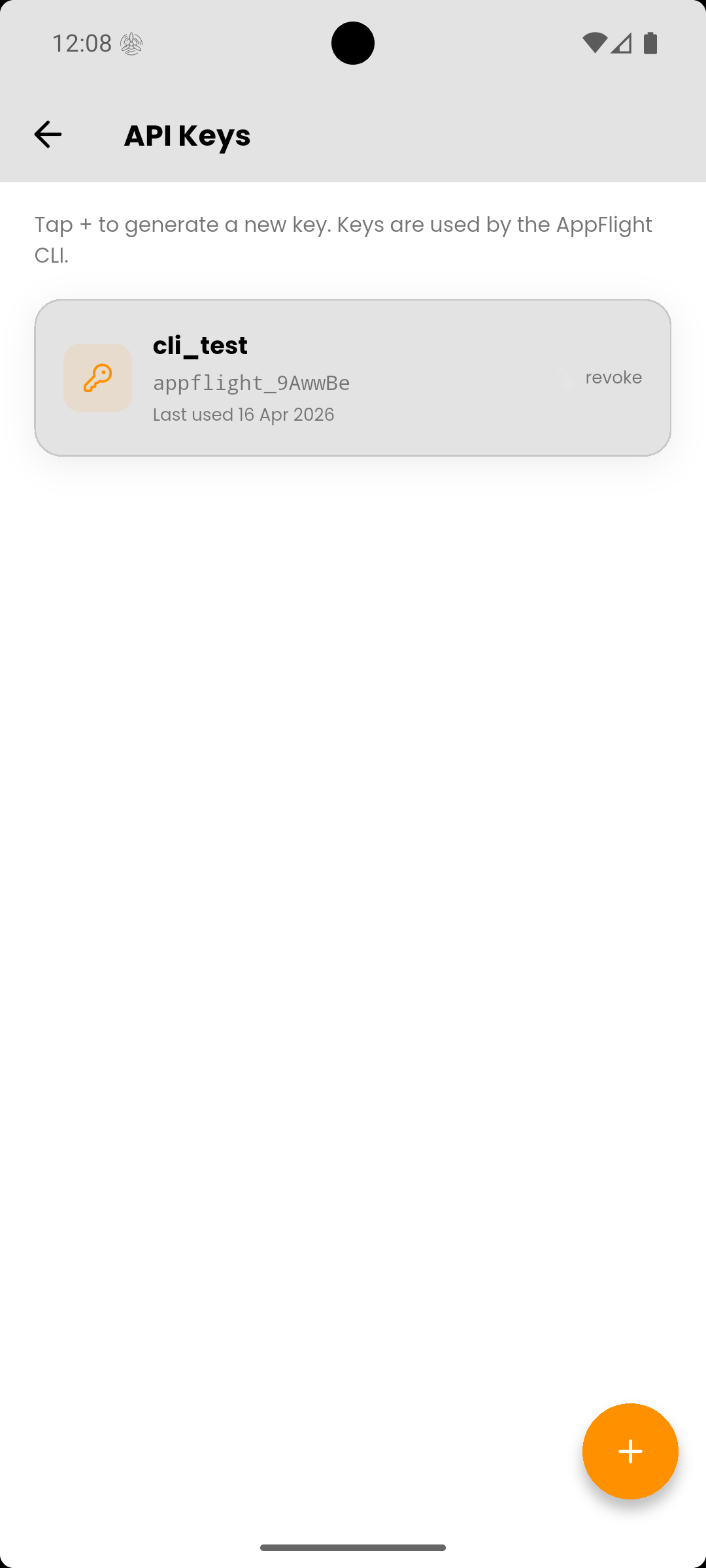
API Keys

Generate API keys for CI/CD pipelines. Secure, revocable, scoped — no Firebase service accounts needed.

CLI First

Upload from your terminal in one command. Wire into GitHub Actions, Codemagic, or Bitrise effortlessly.

The app, in your hands

Manage apps, testers, and builds directly from the AppFlight mobile app — available on Android.
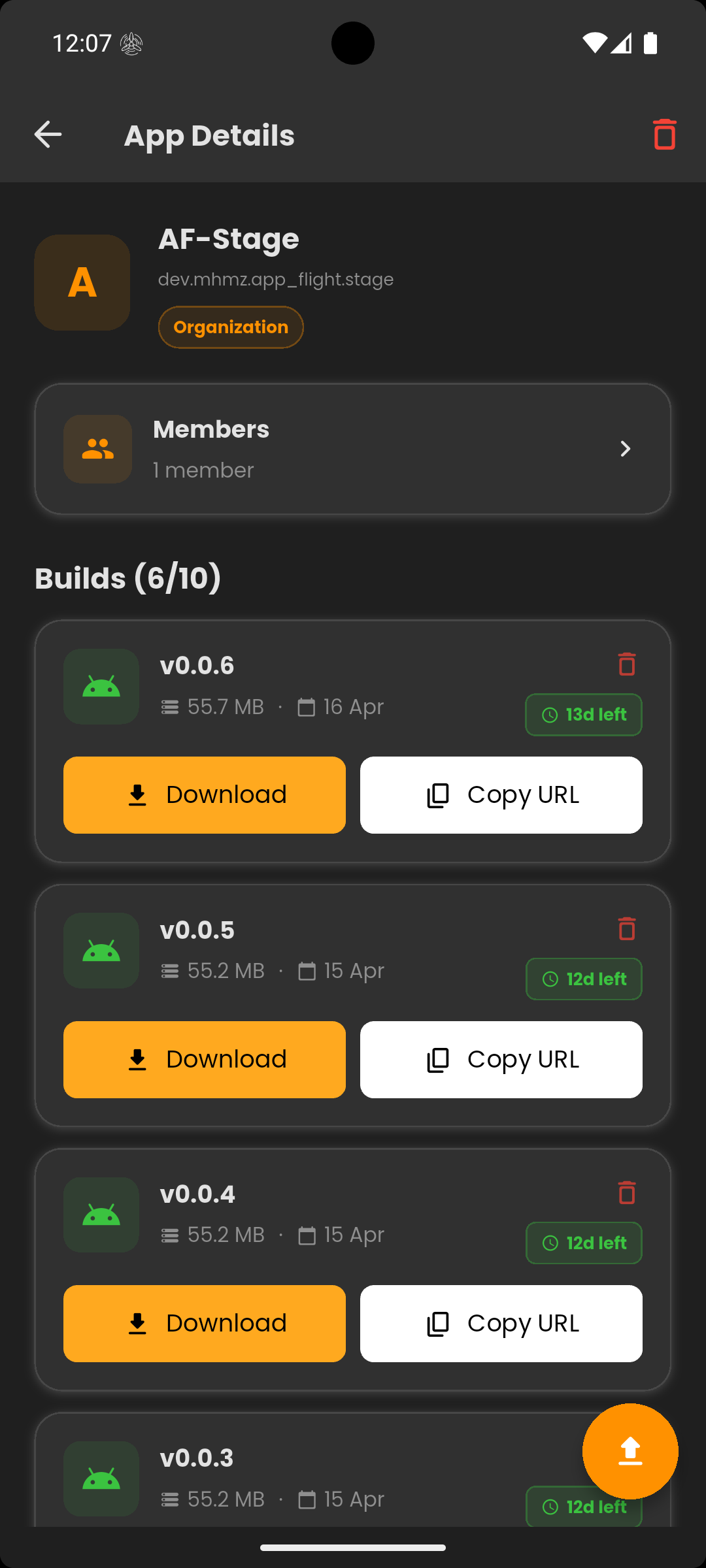
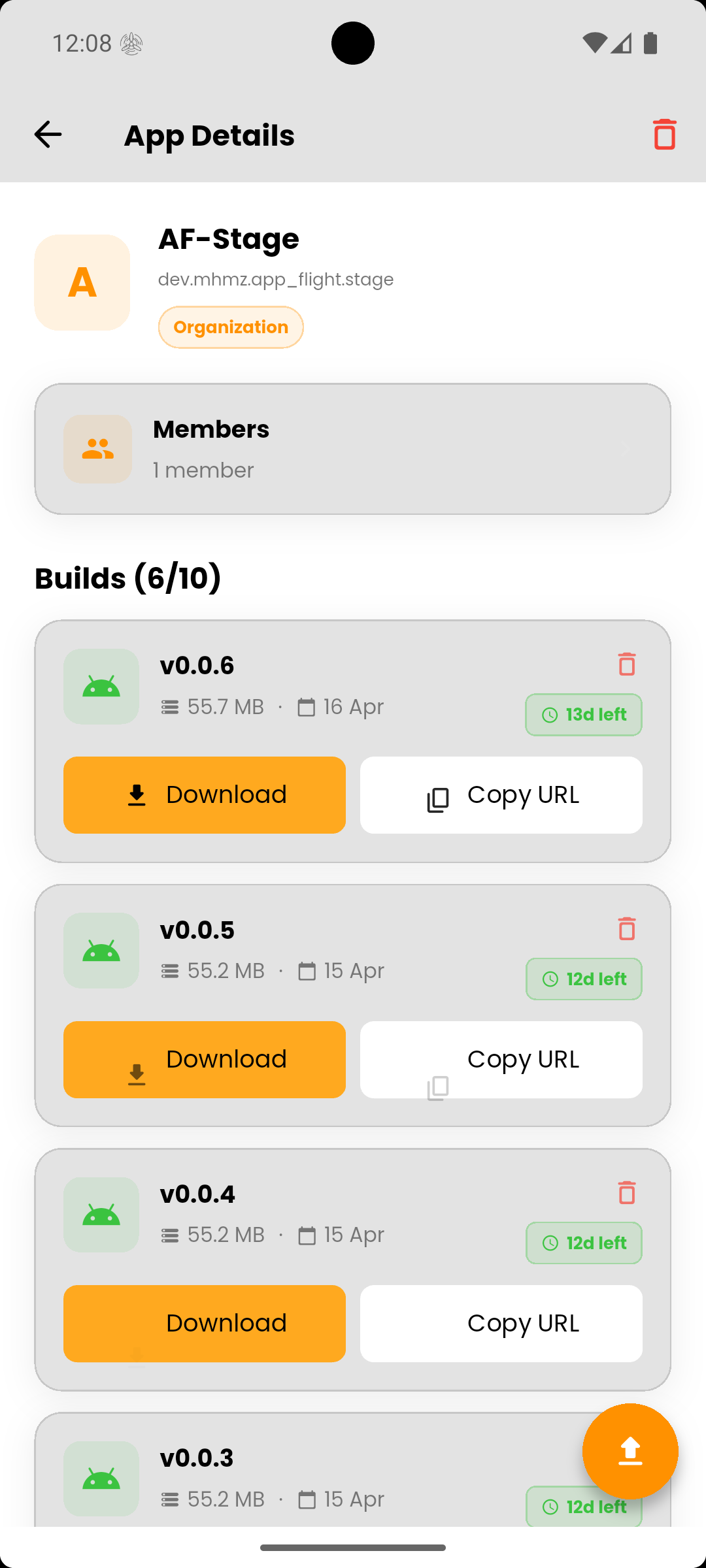
AppFlight Android app — APK version history for a beta build AppFlight Android app — APK version history for a beta build

App Details

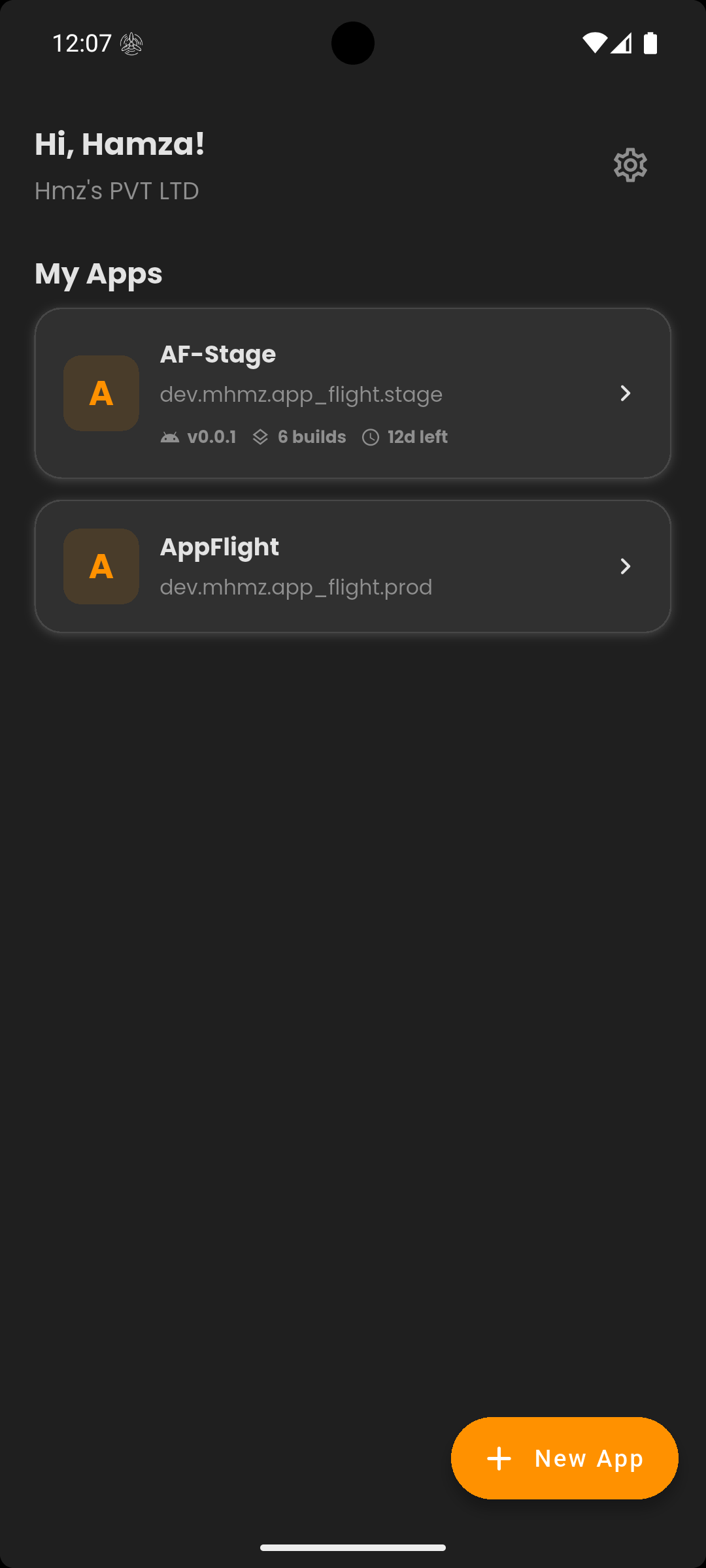
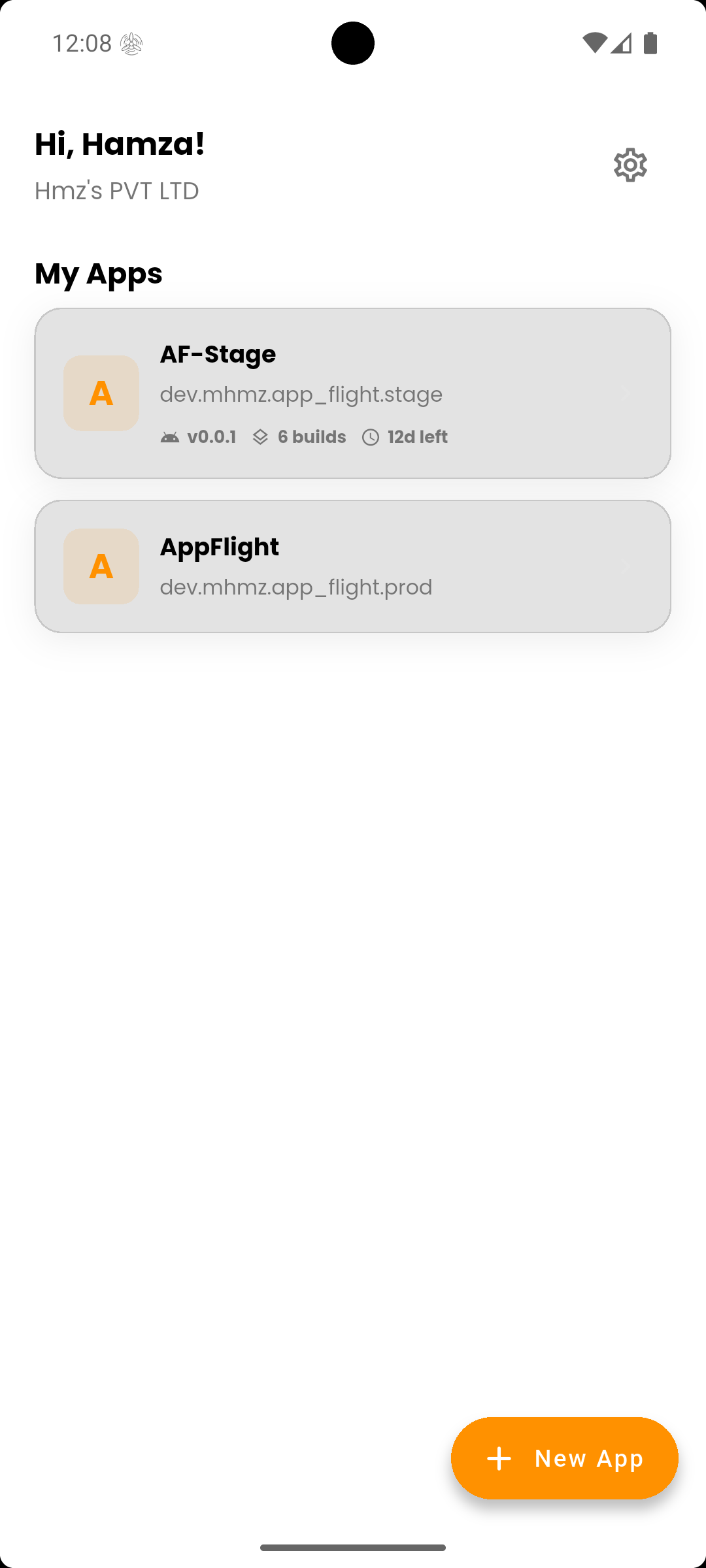
AppFlight home screen — list of Android beta apps AppFlight home screen — list of Android beta apps

Home

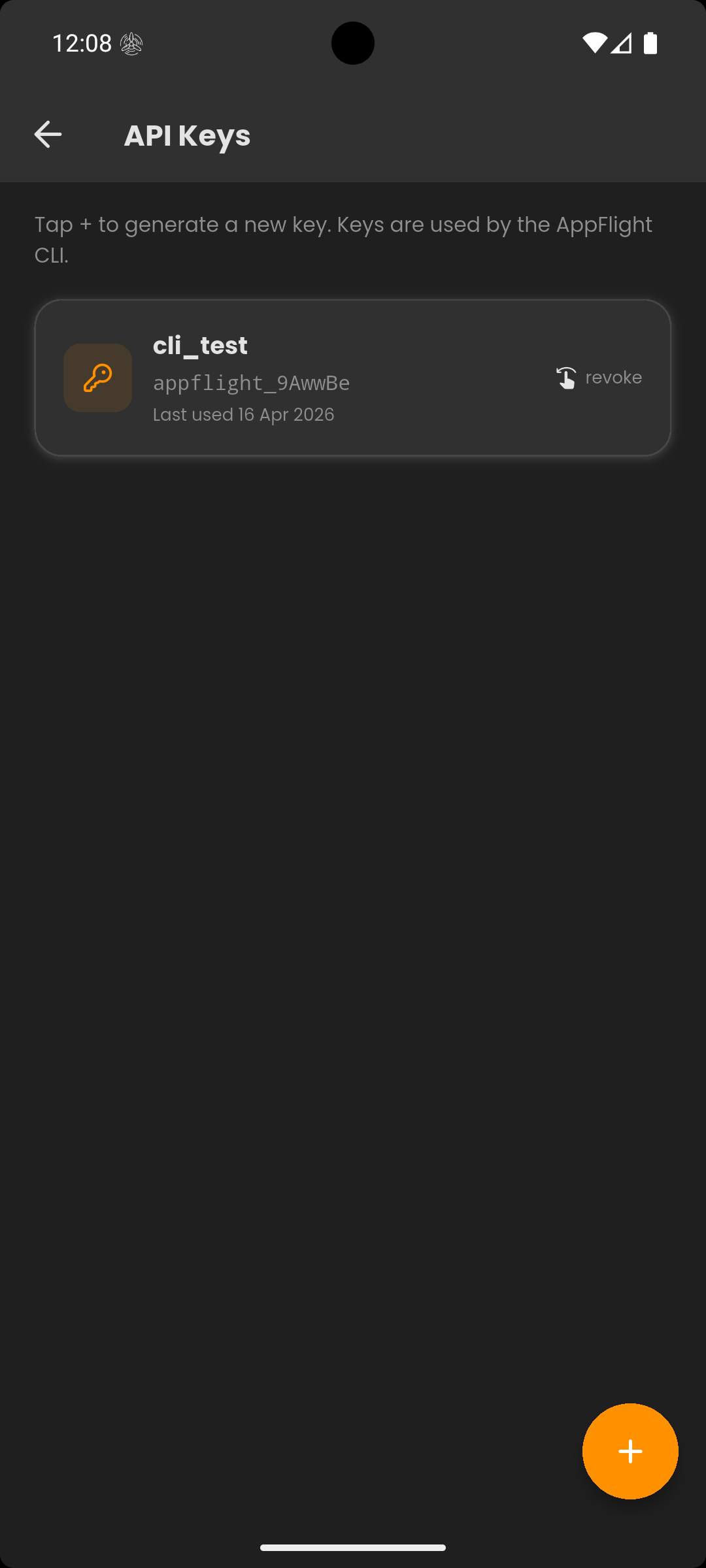
AppFlight API keys screen for CI/CD integration AppFlight API keys screen for CI/CD integration

API Keys

Available on Android
GET IT ON Google Play

Up and running in minutes

Four steps from zero to your testers getting the build on their devices.

01

Create your app

Open the AppFlight mobile app, create an app with your Android package name, and invite your testers.

02

Generate an API key

Go to Settings → API Keys → tap +. Give it a label and copy the key — you won't see it again.

03

Init and login via CLI

Run appflight init in your Flutter project, then appflight login and paste your key.

04

Upload and notify

Build your APK and run appflight upload --flavor stage. Testers get notified automatically.

Developer tooling

Built for the
terminal

The AppFlight CLI is a Dart console app that fits into any Flutter workflow. Upload APKs, manage environments, and automate distribution from one command.

  • Single command upload — flavored or unflavored apps
  • CI mode for GitHub Actions, Codemagic, and Bitrise
  • Dry-run mode — verify before uploading
  • Typed exit codes for scripting
quick start
# Install
$ dart pub global activate appflight_cli
# Init your project
$ appflight init --flavors stage:com.myapp.stage
# Login with your API key
$ appflight login
Paste your API key:
# Upload
$ appflight upload --flavor stage
Upload complete

Built for your stack

AppFlight works with the frameworks your team already uses.

Flutter

Full support — init, login, upload, and CI/CD guides are Flutter-first.

Supported

React Native

APK upload and tester distribution coming to React Native workflows.

Coming Soon

How AppFlight compares

The short answer to "what's the TestFlight for Android?" — and how we stack up against the alternatives.

Feature AppFlight TestFlight Firebase App Distribution Diawi
Android support Full iOS only
Single-command CLI upload Needs Xcode + altool Service-account setup Manual
Automatic push notifications Email only Link only
Review cycle None 24–48 h None None
Team / role management Role-based Basic
Flutter-first tooling
Free tier 3 apps, 5 APKs / app 100 testers Unlimited testers 30-day links

TestFlight is Apple's iOS-only beta service — this comparison assumes you're shipping an Android app and looking for its equivalent.

Simple, transparent pricing

Start free. Upgrade when your team needs more runway.

Monthly Annual Save 20%
Economy
Free

For solo devs getting started with beta distribution.

For organizations shipping their first builds.

Get Started
  • Up to 3 apps
  • 5 APKs per app
  • 10 APKs per app
  • 7-day APK storage
  • Push notifications
  • Team management
  • API keys & CLI
  • Organization management
Available on Android

Get the AppFlight app

Manage your apps, invite testers, review builds, and monitor distributions — all from your Android device.

GET IT ON Google Play

Frequently asked questions

Short answers to what people ask most often.

How do I distribute an Android APK to beta testers?

Create an app in the AppFlight mobile app, generate an API key, install the CLI with dart pub global activate appflight_cli, then run appflight upload --flavor stage. Your testers are notified automatically via push notification the moment the build is live.

Is there a TestFlight for Android?

Apple's TestFlight is iOS-only. AppFlight is the Android equivalent — upload an APK, invite testers by email, and they get a push notification the moment a new build is available. No Play Store review cycle and no 14-day waiting.

Is AppFlight a replacement for Firebase App Distribution?

No — AppFlight isn't trying to replace Firebase App Distribution. The goal is to bring a TestFlight-style tester experience to cross-platform mobile teams, so Flutter developers (and React Native soon) get the same smooth beta flow that iOS teams take for granted. Android-only teams are welcome to use AppFlight too, but cross-platform is our primary focus.

Can I upload APKs from GitHub Actions, Codemagic, or Bitrise?

Yes. The CLI has a CI mode with typed exit codes for scripting and supports non-interactive API key authentication. Setup guides for each provider are in the docs.

Do testers need a Google account?

Testers install the AppFlight mobile app from the Play Store (free) and sign in with email. No Google service account, Play Console access, or technical setup is required on the tester's side.

Does AppFlight work with React Native?

Flutter is fully supported today. React Native support is on the roadmap — you can still upload raw APKs via the CLI, but the init command and flavor handling are Flutter-specific for now.